Smart Light Switches Without Neutral Wires: What Actually Works in Older Homes
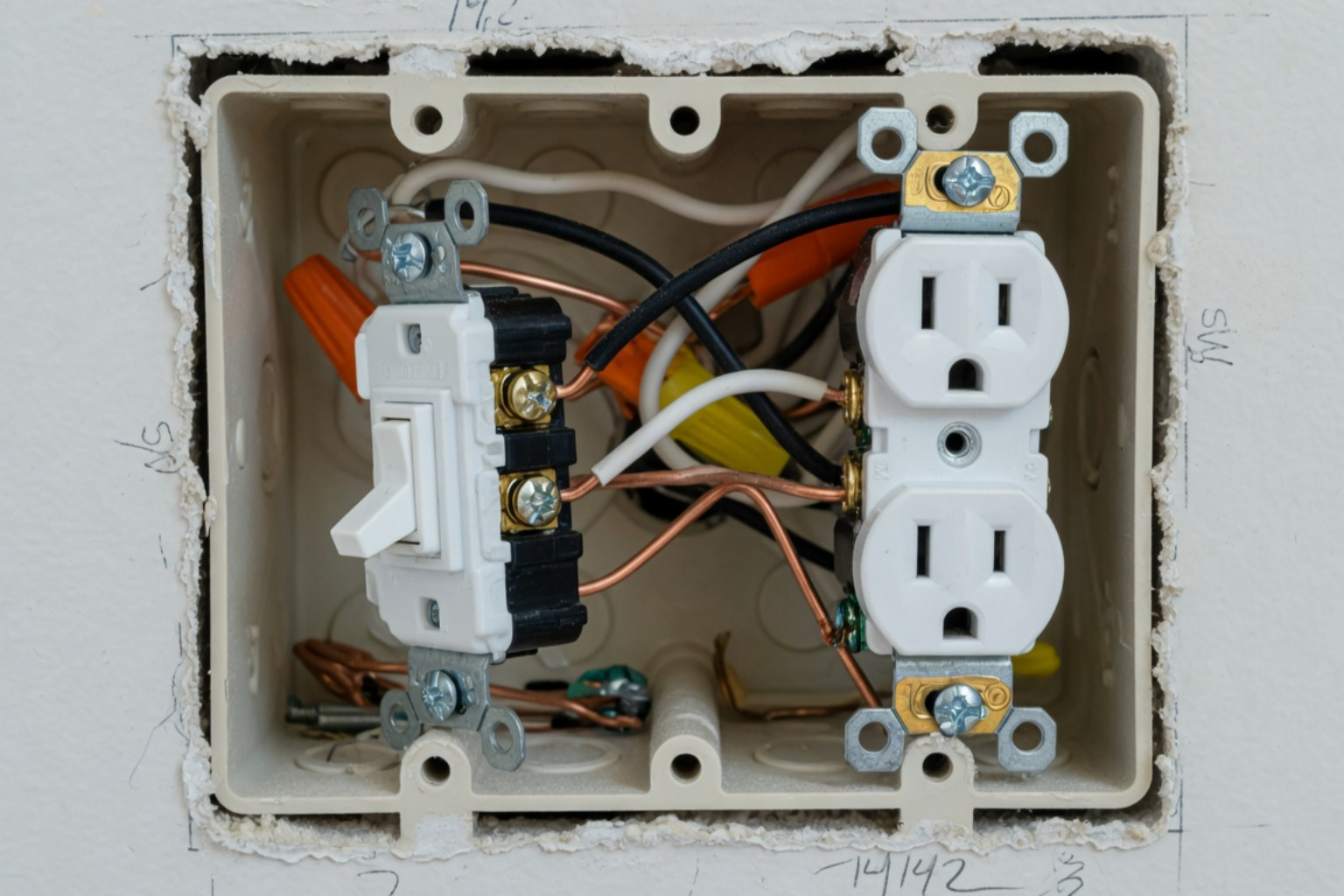
If you live in one of our older Denver neighborhoods, you’ve probably run into this. You buy a fancy new smart switch, pull the old one out, and find only two wires. No neutral.
It’s a common hurdle, but it doesn’t mean you’re stuck. There are real, working solutions for homes that weren’t wired for modern electronics.
Here are the top no-neutral smart switches I usually recommend:
| Switch | Protocol | Works With | Hub Needed? |
|---|---|---|---|
| GE Cync (On/Off) | Wi-Fi + Bluetooth | Alexa, Google | No |
| GE Cync Dimmer | Wi-Fi + Bluetooth | Alexa, Google | No |
| Leviton Decora DN15S | Proprietary RF | Alexa, Google, HomeKit | Yes (MLWSB bridge) |
| MoesGo 2nd Gen | Wi-Fi (2.4GHz) | Alexa, Google | No |
| Aqara H1 (No Neutral) | Zigbee 3.0 | Alexa, Google, HomeKit | Yes (Aqara hub) |
Most homes built before the 1980s used a “switch loop.” This means only the power wire and the wire going to the light are in the box.
The market has finally caught up to these older homes. You can now get solid switches from big brands, though they do have a few quirks you should know about before you start your project.
Why Your Older Home Is Missing That Neutral Wire
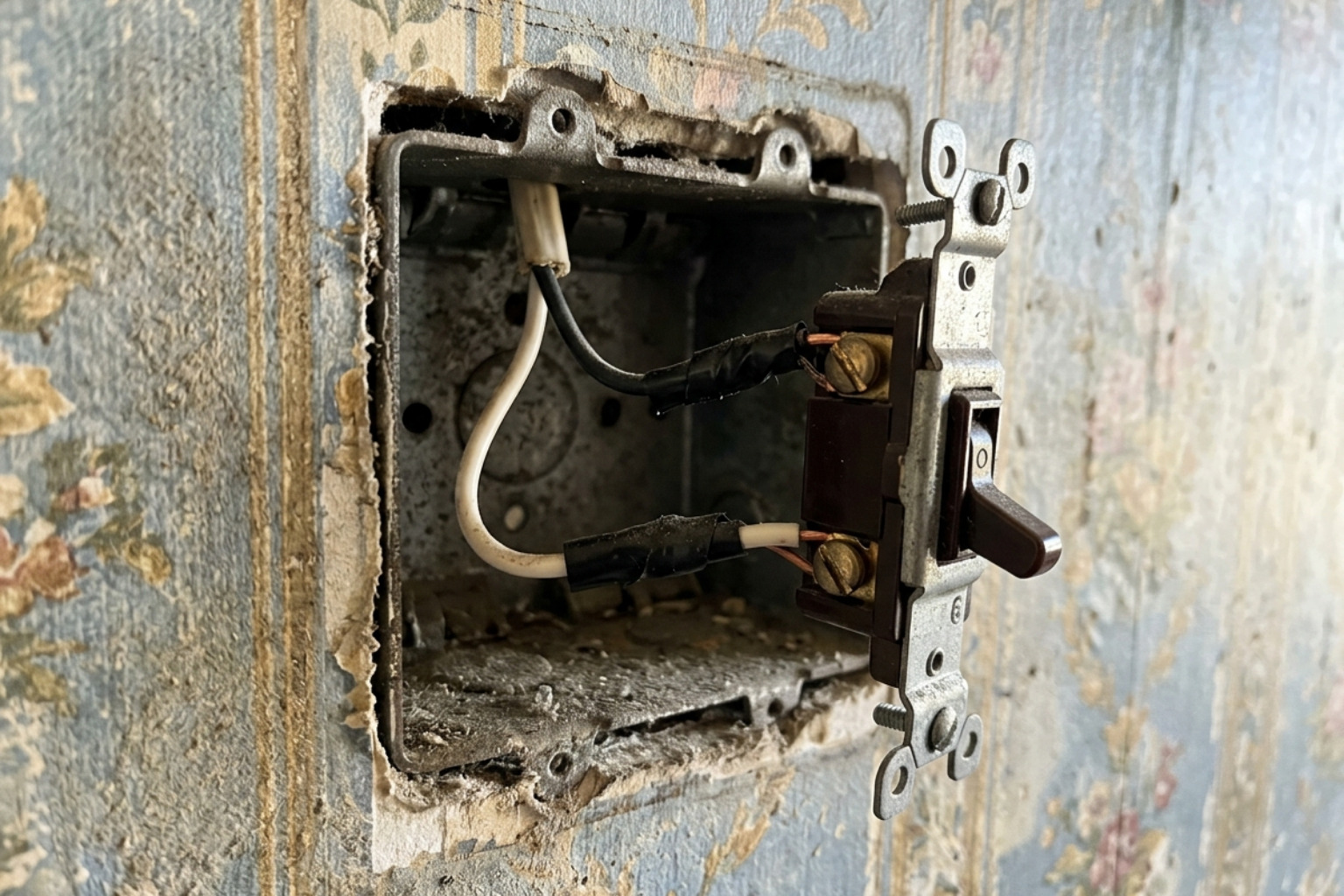
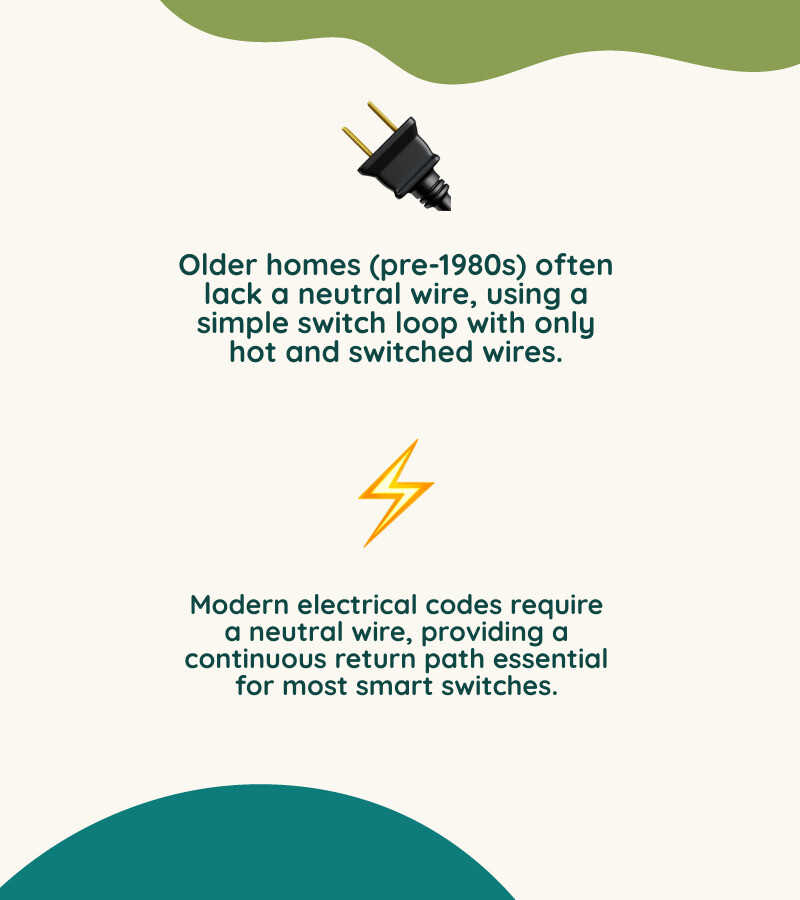
In a lot of older houses around here, the electrical code didn’t require a neutral wire at every switch. Back then, a light switch was just a simple mechanical gate. When you flipped it up, you closed the gate and the light turned on.
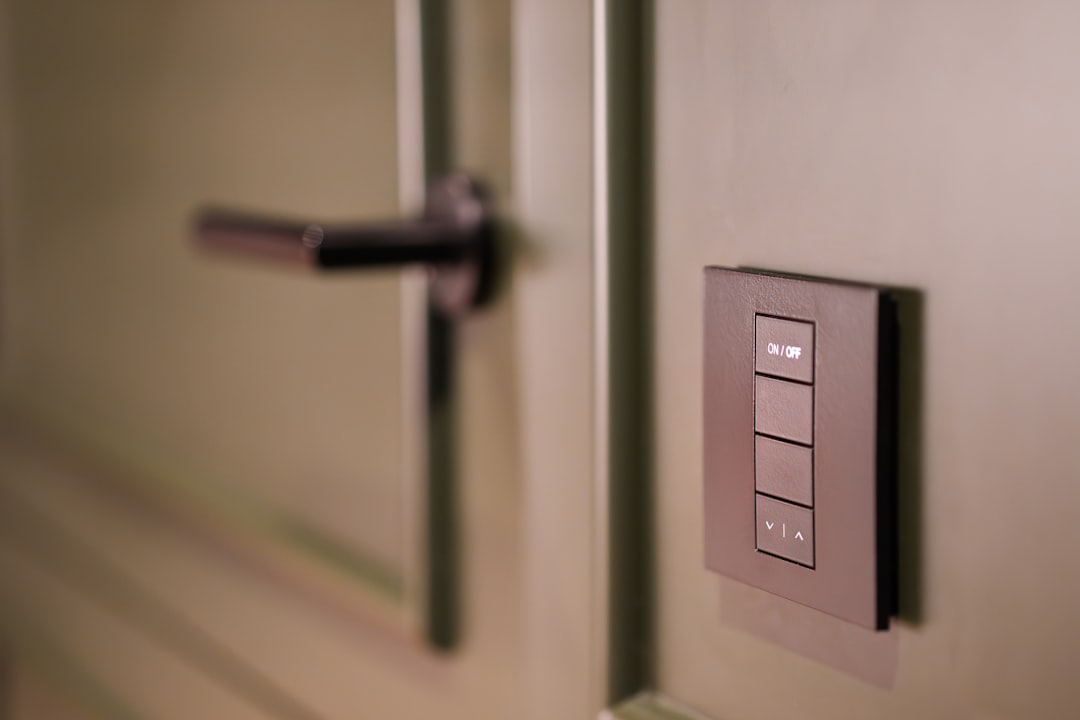
A modern smart switch is different. It’s basically a tiny computer that needs to stay awake 24/7 so it can listen for your voice commands or phone app.
In a standard setup, the neutral wire provides a return path for electricity. This lets a tiny bit of power flow through the switch’s electronics even when the lights are off.
Without that neutral, the switch is sitting in a “dead” box with no way to power itself. This is a common issue we see when doing Lighting Upgrades for Commercial Properties or older residential homes in the Denver Metro area.
How No-Neutral Technology Works
So, how do these switches stay powered without a return path? They use a trick called “power stealing.”
These switches allow a tiny, microscopic amount of electricity to flow through the light fixture even when it’s “off.” It’s not enough to light up the bulb, but it’s just enough to keep the switch’s Wi-Fi or Zigbee radio alive.
This technology needs a “minimum load” to work right. If you have a very low-wattage LED bulb, that tiny bit of current might make the bulb flicker or glow faintly at night. This is why switches like the Aqara Smart Wall Switch H1 EU are built with specific power management to help stop that.
| Feature | Standard Smart Switch | No-Neutral Smart Switch |
|---|---|---|
| Power Source | Constant via Neutral Wire | “Bleed” current through the bulb |
| Reliability | Very High | High (if load requirements met) |
| Bulb Compatibility | Almost anything | Dimmable LEDs (usually 7W+) |
| Installation | Requires 3+ wires | Works with 2 wires + ground |
Picking the Right Switch for Your Home
When you’re shopping, the first thing to check is what system you already use.
- GE Cync: These are great because they don’t need a separate hub. They connect right to your Wi-Fi. In my experience, these are the easiest for homeowners to get running quickly.
- Leviton Decora: The Decora Smart No-Neutral Switch is a sturdy option. Just keep in mind that this model requires the MLWSB Wi-Fi Bridge to talk to your phone.
- Aqara: If you want a stable system that works even if your internet goes down, Aqara is a solid choice. You will need an Aqara Hub to make it work.
- MoesGo: You can find these on Amazon. They are budget-friendly and usually don’t require an extra capacitor, which makes the install a bit cleaner.
Dealing with Flickering Bulbs
The most common complaint I hear is: “I installed the switch, but now my lights are flickering.”
This happens because the switch is “bleeding” power through the bulb. If your LED bulb is only 5 Watts, it might be too sensitive.
You can often fix this by installing a “bypass” or “capacitor” at the light fixture. It gives that extra current a place to go so it doesn’t bother the bulb. If you see this during a Commercial Lighting Installation, it usually means the load is just too light for that specific switch.
Safety and Code Basics
Most homeowners are surprised to learn that even a “no-neutral” switch still needs a ground wire for safety. In Denver, the code now requires a neutral wire in most new construction, but for those of us in older homes in Centennial or Highlands Ranch, we are usually grandfathered in.
Safety is the most important part. Before you touch a screwdriver:
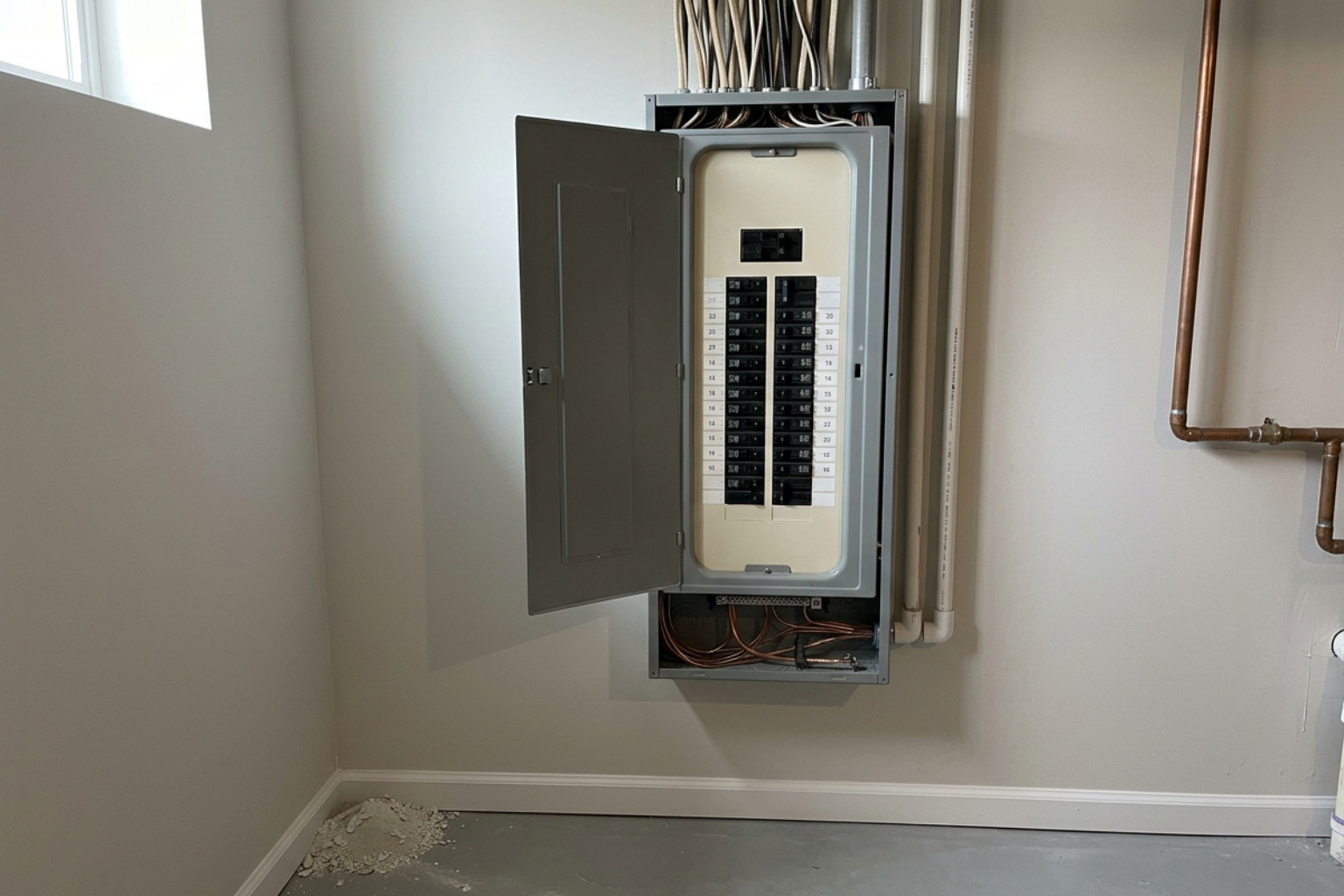
- Turn off the breaker: Don’t just flip the wall switch. Go to the main panel.
- Use a voltage tester: Make sure the wires are actually dead. Sometimes older homes have more than one circuit running through a single box.
- Identify Line vs. Load: The “Line” brings power from the panel. The “Load” goes to the light. If you swap these, the switch won’t work.
If you have a “3-way” setup (two switches for one light), no-neutral wiring gets tricky. I usually recommend using a “wire-free companion” switch. You install the main smart switch in the box with the power, and use a battery-powered remote for the second location. It looks like a real switch but requires zero wiring.
Smart Alternatives When a Switch Won’t Work
Sometimes, a no-neutral switch just isn’t the right fit. Maybe the electrical box is too shallow (smart switches are bulky!), or maybe you have a light fixture with 12 tiny bulbs that just won’t play nice with the power-bleeding technology.
Here are a few “Plan B” options:
- Smart Bulbs: Instead of a smart switch, use smart bulbs. You leave the wall switch “on” all the time and control the bulbs via an app or voice. To keep people from accidentally flipping the switch off, you can buy a simple plastic guard for the toggle.
- Smart Relays: Devices like the Aqara T2 can be tucked into the ceiling canopy of the light fixture itself. Since there is always a neutral wire at the light fixture, the relay can have full power, and you can still use your existing “dumb” wall switch to trigger it.
- Rewiring: If you’re doing a larger remodel in Castle Rock or Parker, it might be worth the cost to have us pull a new neutral wire to the switch boxes. This opens the door to any smart switch on the market and is the most “future-proof” solution.
Common Questions I Get Asked
Why did Wyze stop making their no-neutral switch?
Wyze worked on one for a long time but eventually gave up. It’s hard to guarantee a good experience because of how different LED bulbs react to “power stealing.” They decided it caused too many support calls and now suggest using their standard switches or smart bulbs instead.
Can these switches handle dimming?
Yes, but you have to buy specific models like the GE Cync No-Neutral Dimmer. Just be aware that no-neutral dimmers usually have lower wattage limits than standard ones.
Do I need a special hub?
It depends on the brand.
- Wi-Fi switches (like GE Cync) usually don’t need one.
- Zigbee switches (like Aqara) always need a hub.
- Leviton No-Neutral switches need the MLWSB Decora Smart Wi-Fi Bridge.
Hubs are actually great for larger Denver homes because they keep your Wi-Fi from getting crowded with too many devices.
Wrapping Things Up
Upgrading an older home with smart switches is a great way to add modern convenience to a classic Denver property. The key is matching the right switch to your specific bulbs and wiring.
At Harmony Electric, we’ve seen every kind of mystery wiring the Denver Metro area has to offer. If you open your wall box and feel overwhelmed, or if you can’t get the flickering to stop, give us a call.
Randy Harmuth and our team are here to help with residential services ranging from simple switch installs to whole-home rewiring. We focus on doing the work right the first time, and we back our work with a lifetime workmanship guarantee. No hype—just honest help to keep your home running safely.